
How do I update notification settings for my charger account?
Laatst bewerkt:
Deze inhoud is nog niet vertaald.
Get an email when something needs your attention at your chargers.
Set up email alerts
Section titled “Set up email alerts”-
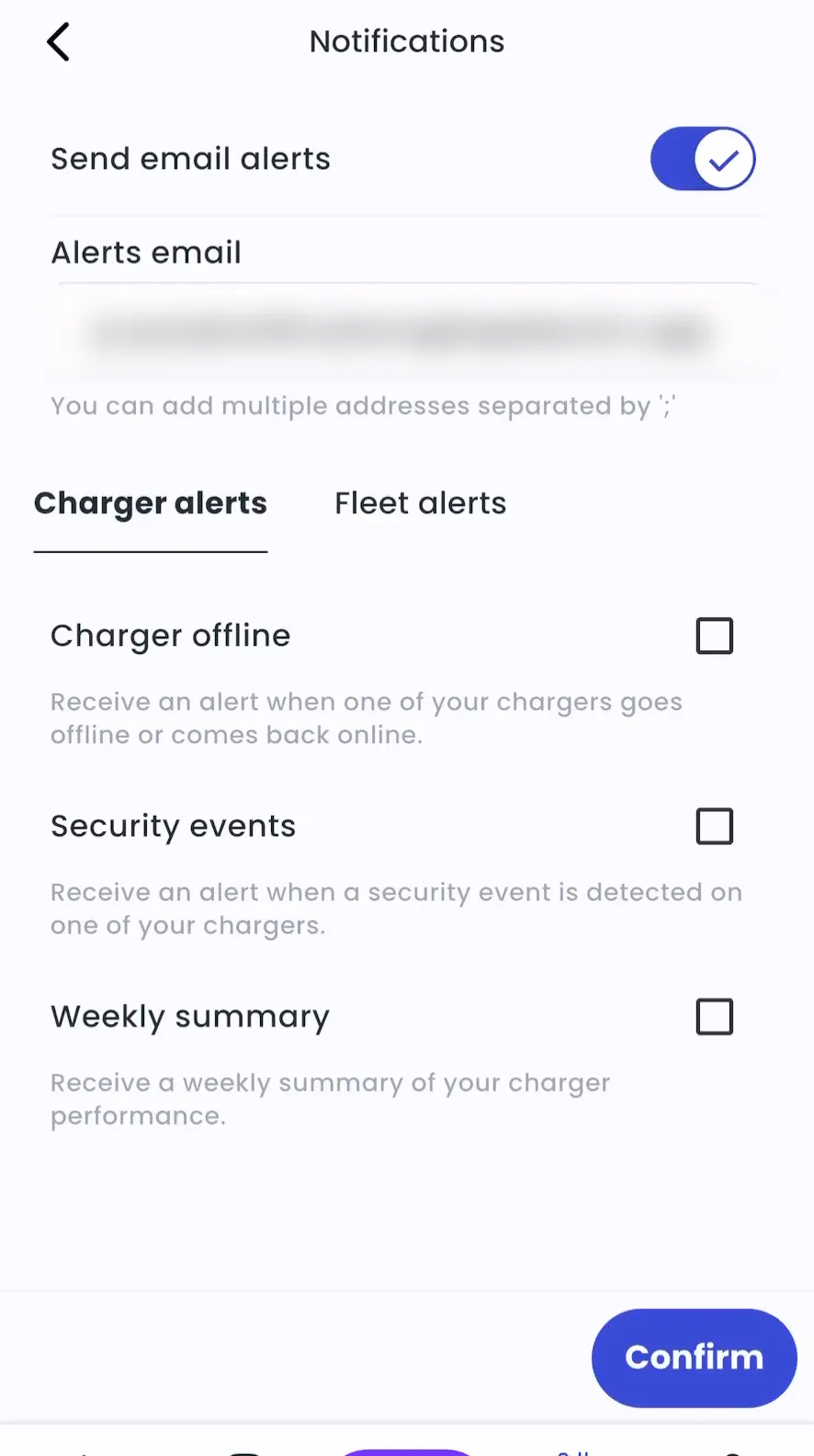
With Manage selected at the top, go to Account > Settings > Notification settings.
-
Turn on Send email alerts.
-
Enter the Alerts email.
-
Select the alerts you want.
-
Tap Confirm.
-
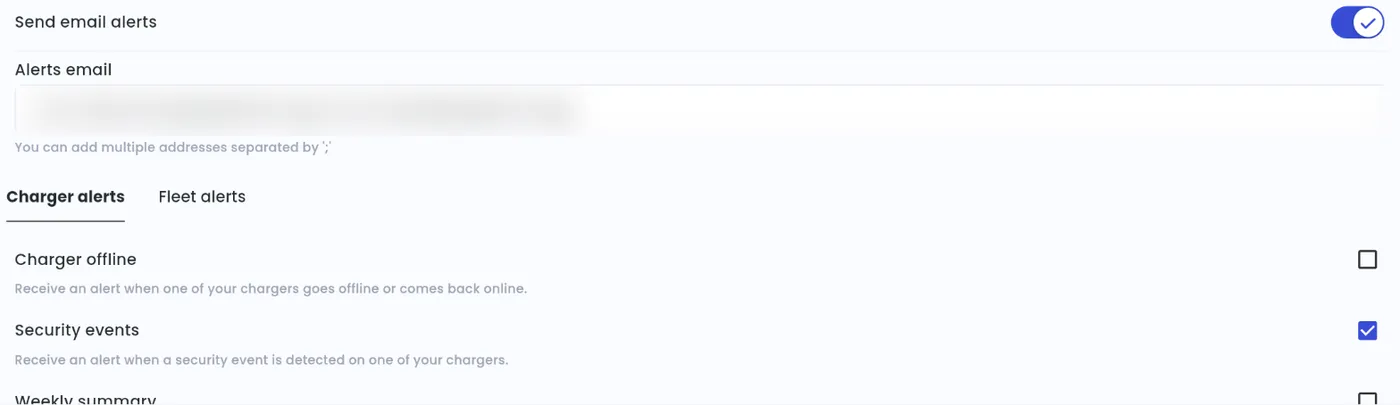
Admin > Account > Settings > Notifications > Manage
-
Turn on Send email alerts.
-
Enter the Alerts email.
-
Select the alerts you want.
-
Click Confirm.
To send alerts to more than one address, separate them with “;”.
Charger alerts:
- Charger offline: a charger goes offline or comes back online. We wait about 10 minutes before sending, so short drops in connectivity don’t trigger an alert.
- Security events: a security event is detected on one of your chargers.
- Weekly summary: a weekly summary of your charger performance.
Fleet alerts (accounts with fleets): suspicious activity is detected on a fleet vehicle session.