
What are display settings and how does it help drivers?
Laatst bewerkt:
Deze inhoud is nog niet vertaald.
Display settings set what drivers see about you when they look at your chargers: your organisation name, phone number, website, a short description and a logo.
Edit your display settings
Section titled “Edit your display settings”-
With Manage selected at the top, go to Account > Settings > Branding
-
Edit your name, phone, website, description or logo.
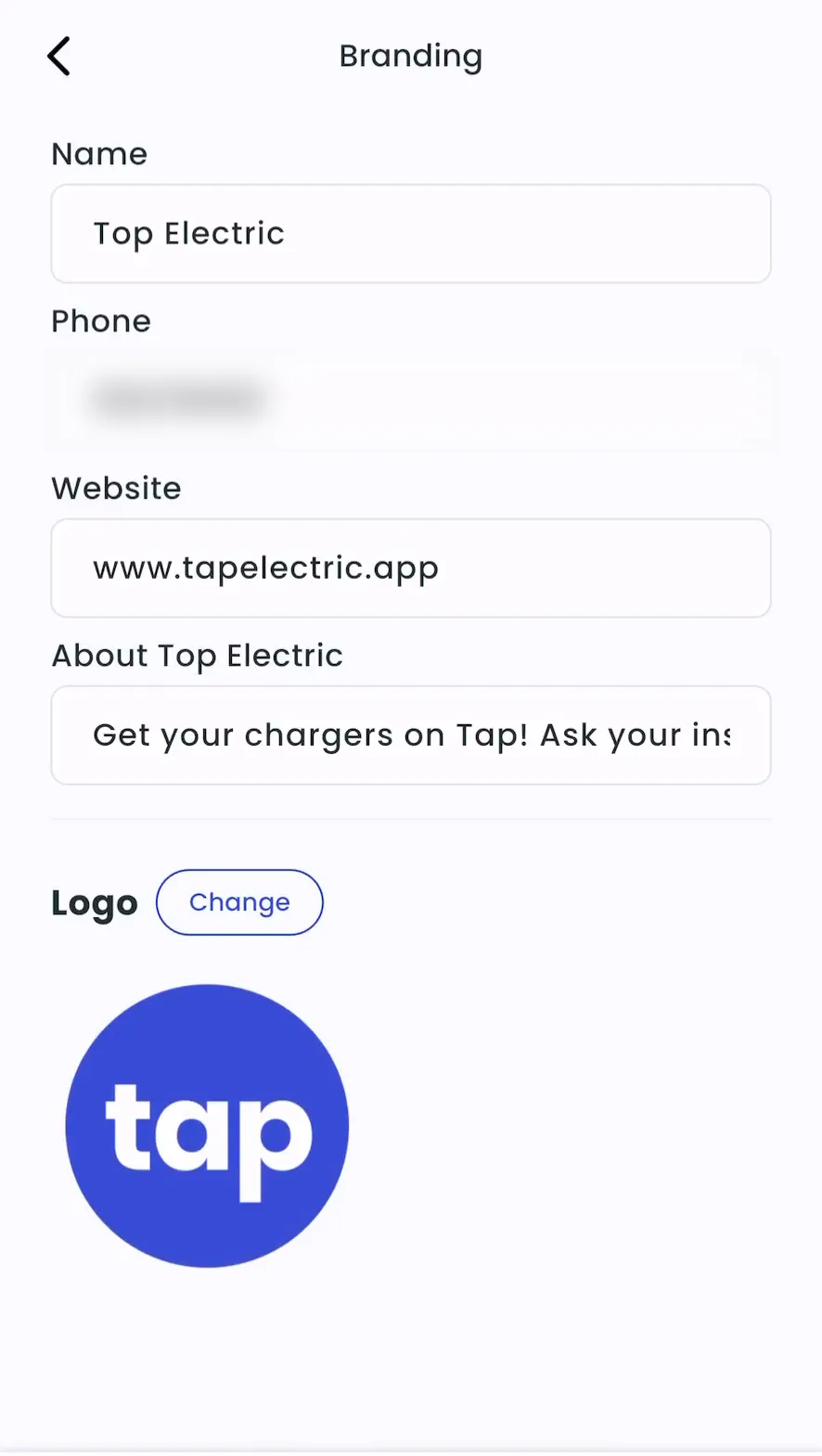
-
Save your changes.
-
Admin > Account > Settings > Branding > Manage
-
Edit your name, phone, website, description or logo.
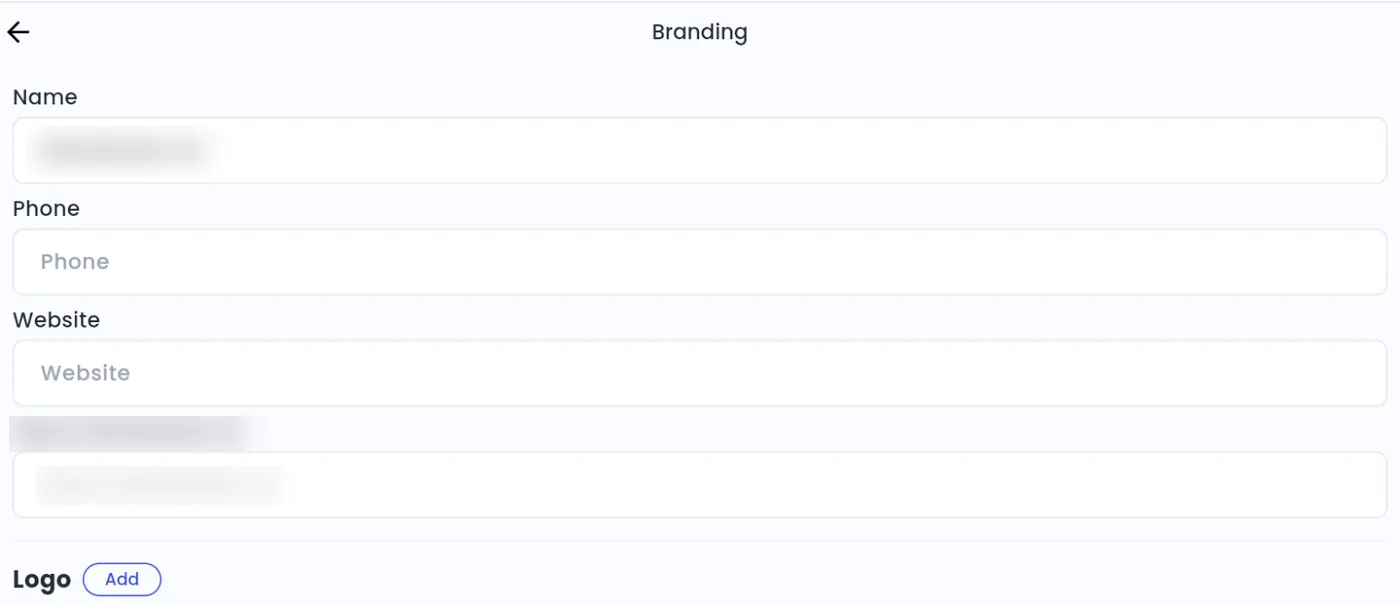
-
Save your changes.