
How do I add administrators to my account?
Last updated:
Account administrators can manage everything on your account, such as settings, location access and tariffs.
Add an account administrator
Section titled “Add an account administrator”-
With Manage selected at the top, go to Account > Account administrators.
-
Tap Invite new admin.
-
Enter the admin’s email, first name and last name, then tap Send invite.
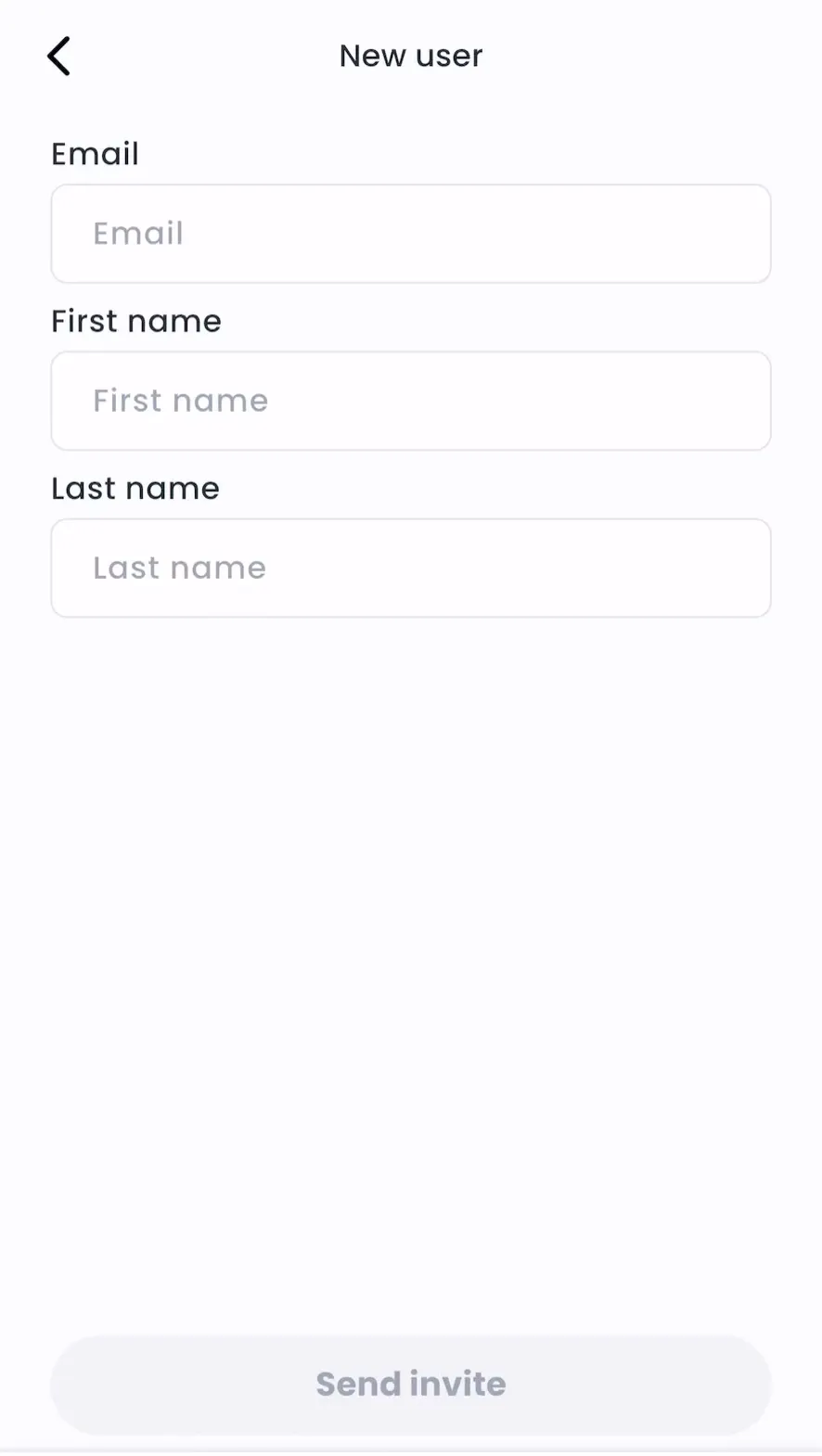
Invited admins show as Pending until they accept.
-
Admin > Account > Account administrators > See Account administrators > Invite new admin
-
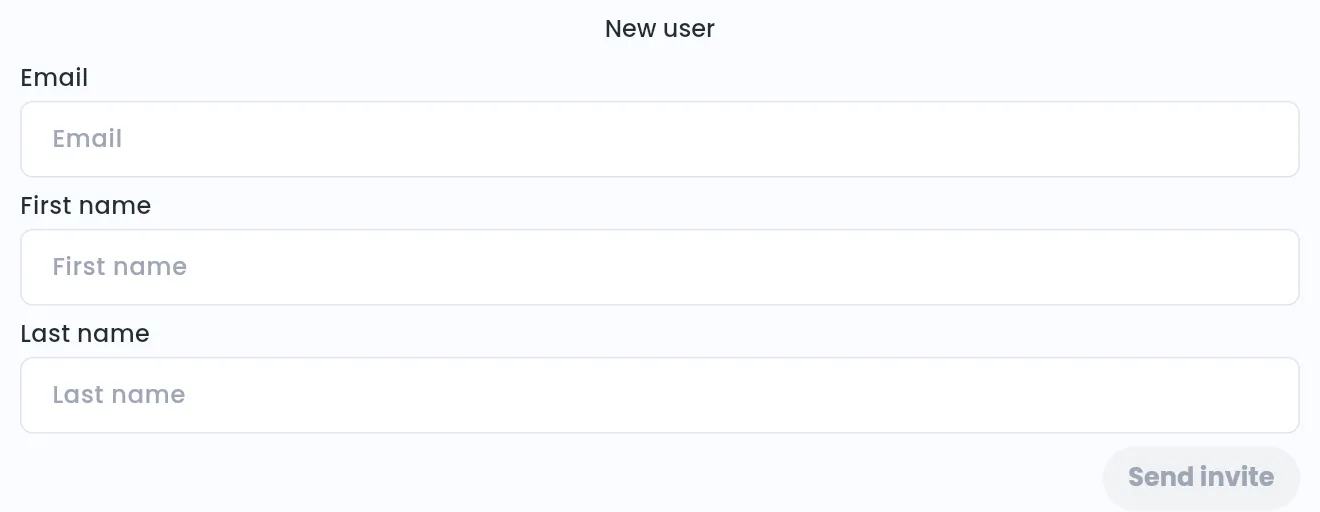
Enter the admin’s email, first name and last name.
-
Click Send invite.
Remove an account administrator
Section titled “Remove an account administrator”- With Manage selected at the top, go to Account > Account administrators > [select admin] > Remove admin.
To cancel a pending invite, tap the bin icon next to it.
- Admin > Account > Account administrators > See Account administrators > [select admin] > Remove admin