
How do I update my billing address?
Last updated:
Your account address is the billing address on your invoices.
Edit your billing address
Section titled “Edit your billing address”-
With Manage selected at the top, go to Account > Settings > General settings
-
Edit the fields under Account address.
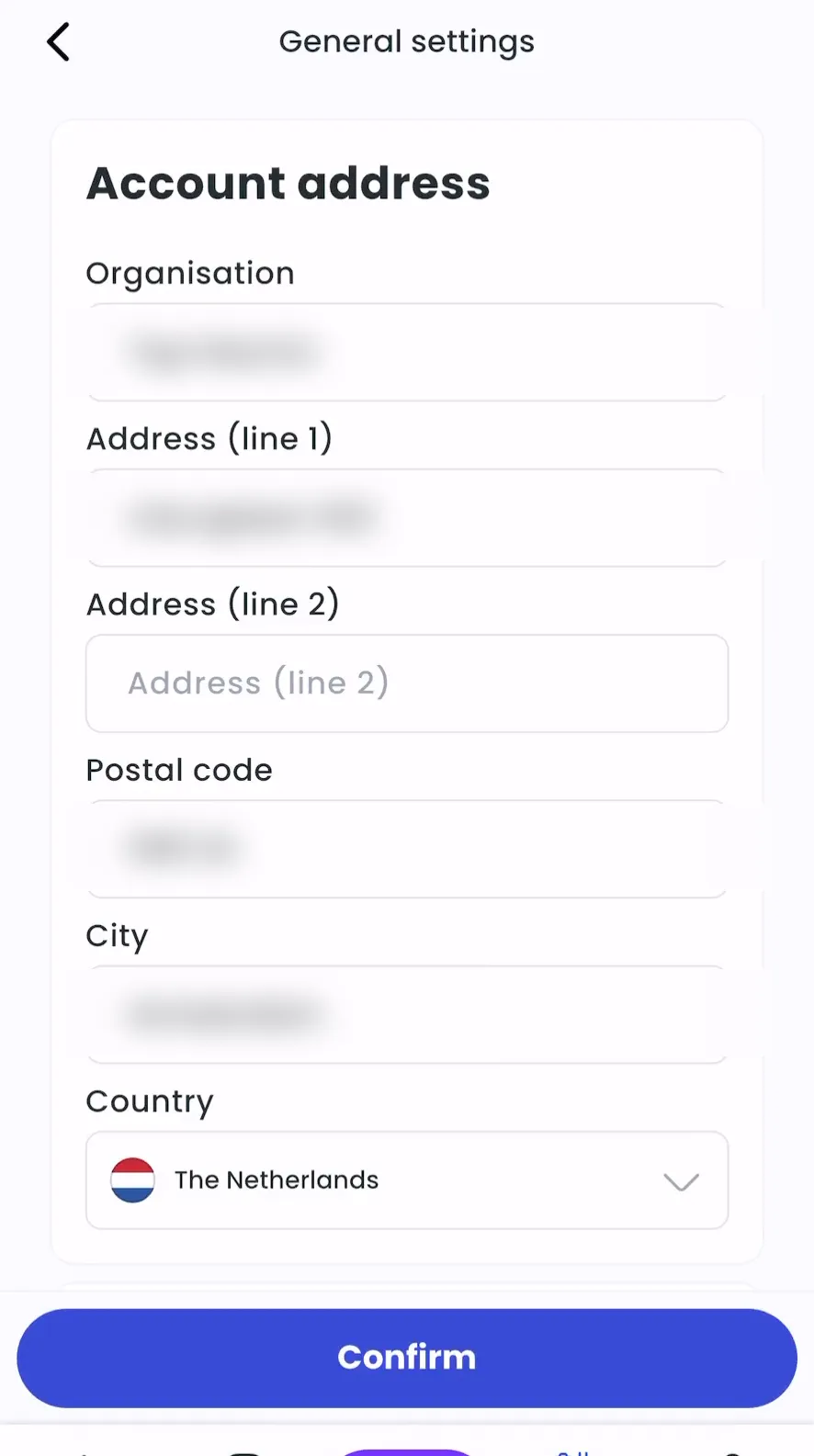
-
Tap Confirm.
-
Admin > Account > Settings > General settings > Manage
-
Edit the fields under Account address.
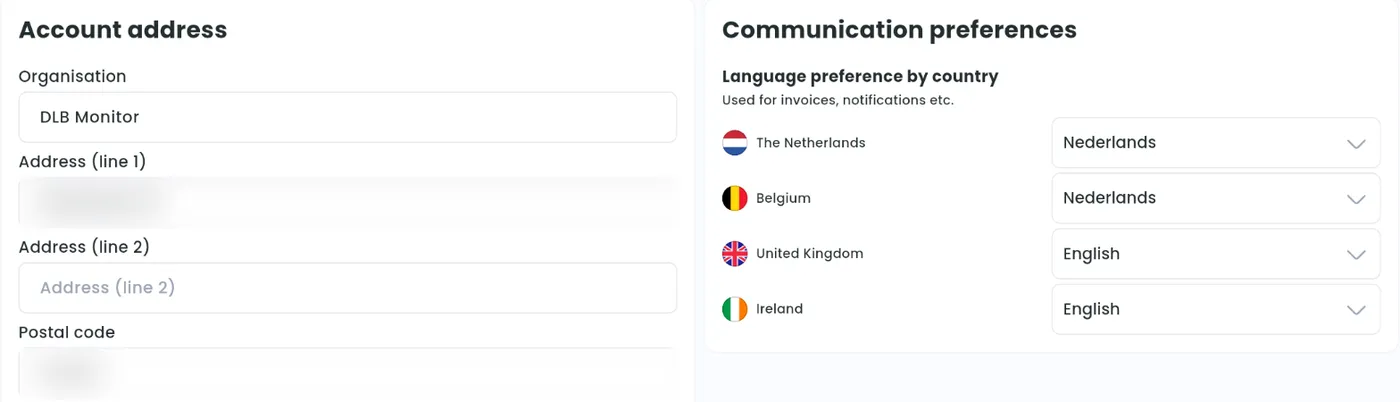
-
Click Confirm.
Organisation accounts have an Organisation name. Individual accounts have a first and last name.
On Tap Web, General settings also has Communication preferences: the language we use for invoices and notifications in each country.