
What is a connected account and when do I need one?
Last updated:
A Connected Account is a separate account linked to your Organisation Account. It has its own locations, rates and payout details. Your admins can manage it alongside your own account, and you can invite other people to be its admins.
When to use a Connected Account
Section titled “When to use a Connected Account”Use one when part of your setup needs to be managed or paid out separately:
- Employee home chargers under home-charging reimbursement, when the employee needs to control their own charger.
- Subsidiaries or departments that need payouts to a different bank account. Payouts are set per account.
Employee home chargers
Section titled “Employee home chargers”Put an employee’s home charger in a Connected Account if the employee needs to:
- Set their own rate for other people who charge at their home, such as a spouse whose own employer reimburses them through a third-party charge card
- Receive payouts for those sessions in their own bank account
- Netherlands only: claim ERE credits for their home charger
You still set the reimbursement rate for the employee’s own charging from your Organisation Account. The employee sets the rate everyone else pays, plus access, visibility and payouts, from the Connected Account. The two rates are independent.
You don’t need a Connected Account if the household only charges for free. Keep the charger in your Organisation Account and set its default rate to zero. Full setup: Set up an Organisation Account.
Create a Connected Account
Section titled “Create a Connected Account”-
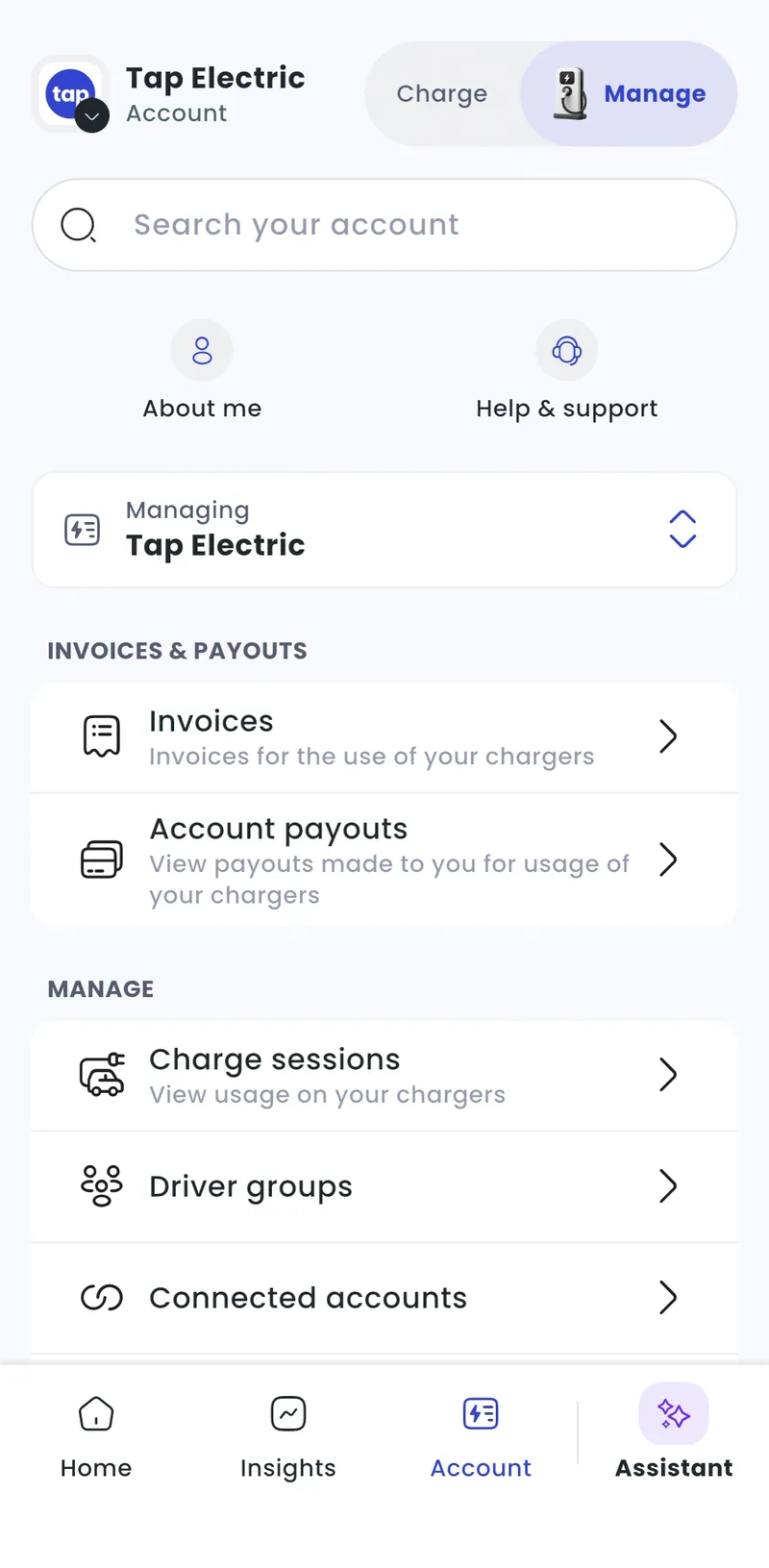
With Manage selected at the top, go to Account > Connected accounts.
-
Tap Connect new account.
-
Enter the account’s details as for a new account (account address and tax settings), then confirm.
-
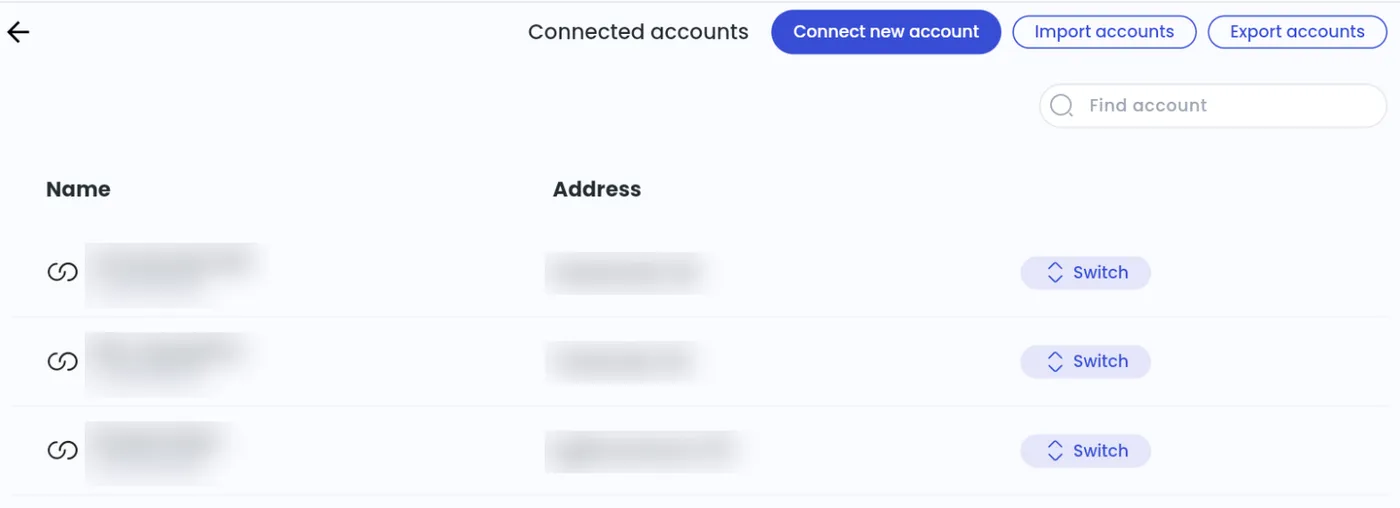
Admin > Account > Connected accounts > See Connected accounts > Connect new account
-
Enter the account’s details as for a new account, then confirm.
Work in a Connected Account
Section titled “Work in a Connected Account”- With Manage selected at the top, go to Account > Connected accounts.
- Tap Switch next to the account.
- Admin > Account > Connected accounts > See Connected accounts
- Click Switch next to the account.
To give someone access, open the Connected Account and invite them as an admin. See How do I add administrators to my account?.
Link a location to a Connected Account
Section titled “Link a location to a Connected Account”- With Manage selected at the top, go to Home > [your location] and tap Link to connected account.
- Locations > [your location] > Other location settings > Link location to connected account