
How do I delete my Tap Electric Charger Account?
Last updated:
Delete your charger account
Section titled “Delete your charger account”-
Delete each location: with Manage selected at the top, open the location on the Home tab, tap the bin icon in the top right and confirm.
-
Account > Settings
-
Tap Delete account at the bottom and confirm.
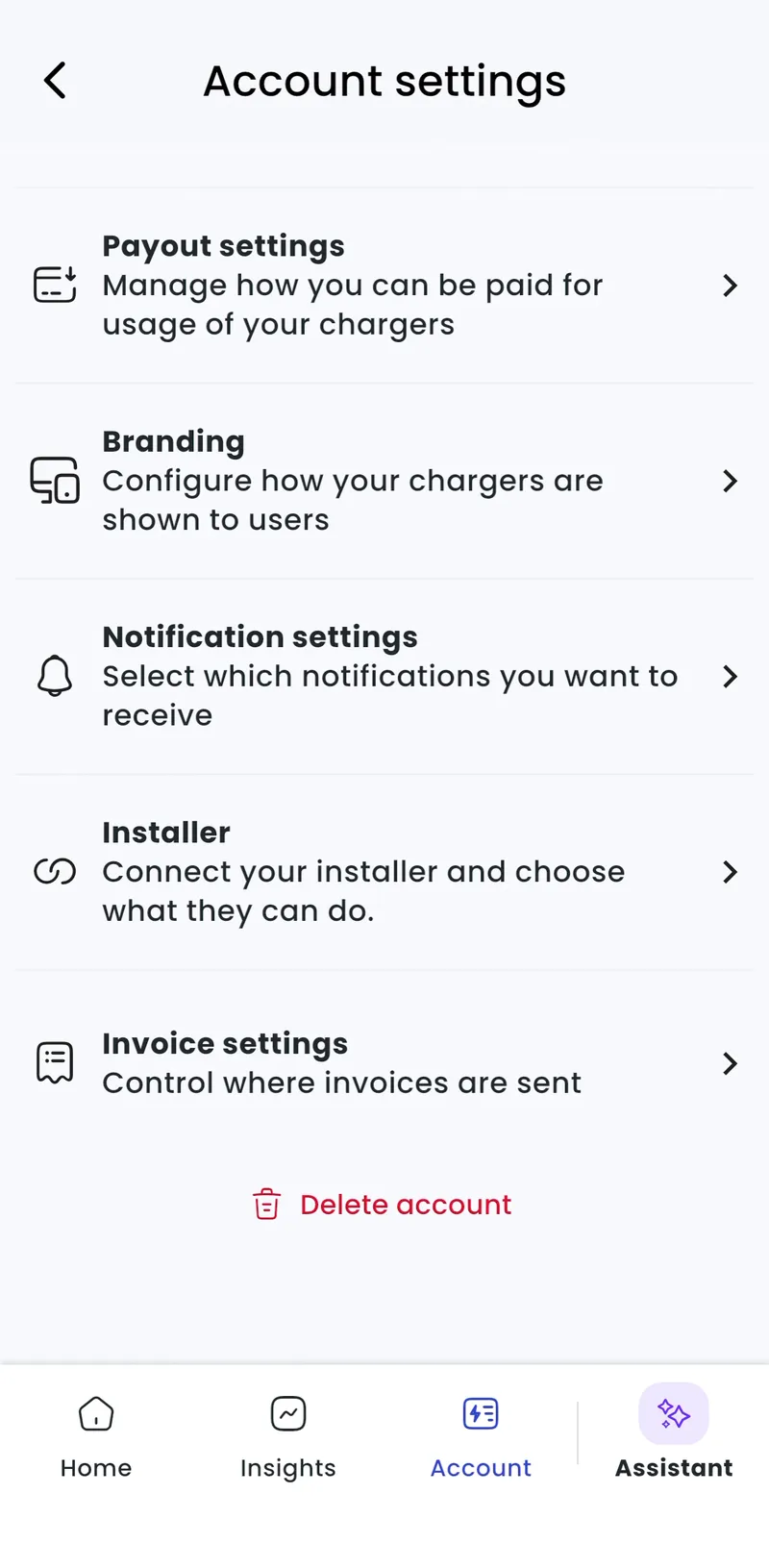
-
Delete each location: Locations > [your location] > Other location settings > Remove this location, then confirm.
-
Admin > Account > Settings
-
Click Delete account at the bottom and confirm.
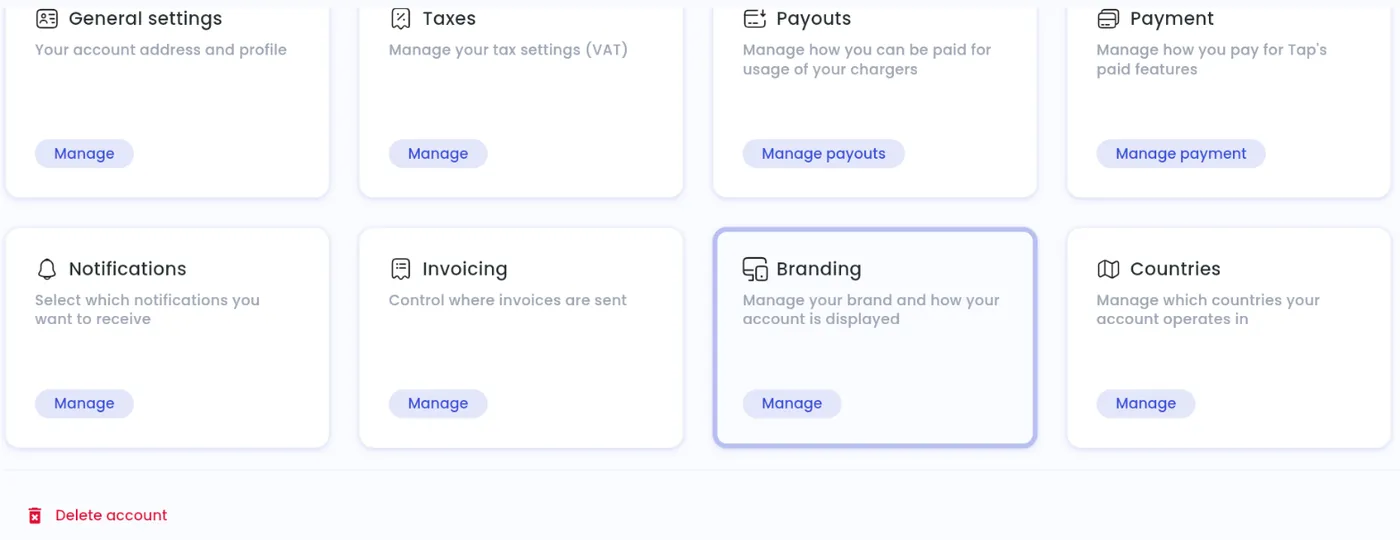
This deletes your charger management account only. To delete your driver account, see How do I delete my Tap Electric driver account?.