
What are country settings and why do I need to set one?
Last updated:
We use country settings to manage tax. You chose one country when you set up your account. If you operate in more than one country, add the others here.
Add an operating country
Section titled “Add an operating country”-
With Manage selected at the top, go to Account > Settings > Country settings
-
Tap Add.
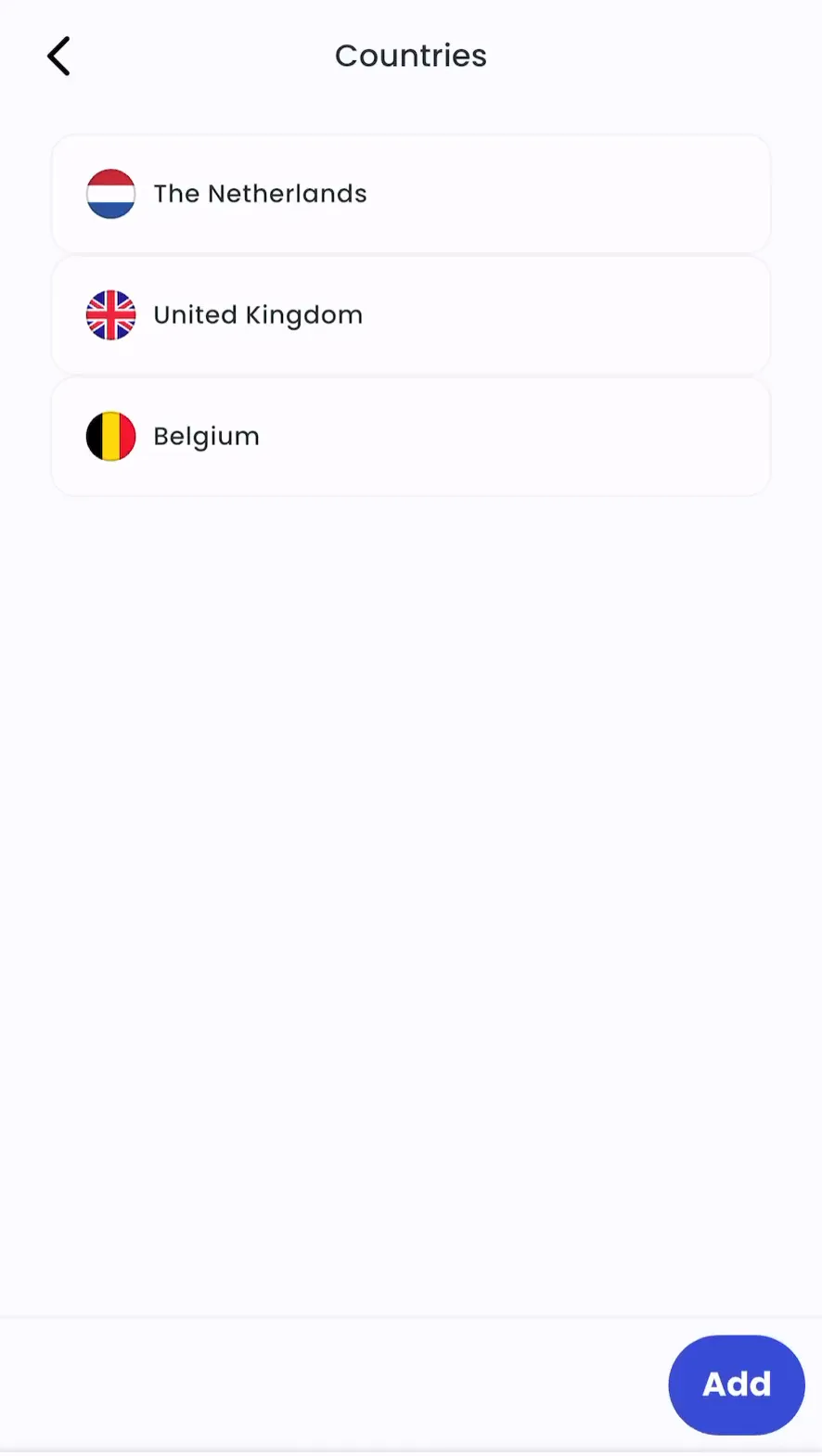
-
Select the country and its tax settings, then confirm.
-
Admin > Account > Settings > Countries > Manage
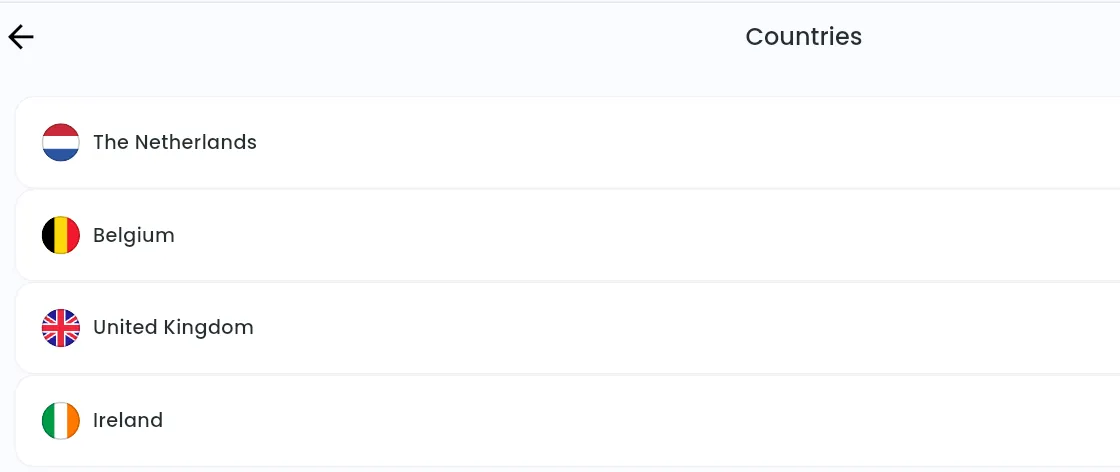
-
Click Add.
-
Choose the country and its tax settings with Switch.
-
Click Add.
Edit a country’s tax settings
Section titled “Edit a country’s tax settings”Change the tax settings of any operating country in your account’s tax settings. See What are Tax Settings and how do they affect my invoices?.