
How do I delete my Tap Electric driver account?
Last updated:
Only available in the Tap app
You can delete your Tap driver account in the Tap app.
Delete your driver account
Section titled “Delete your driver account”-
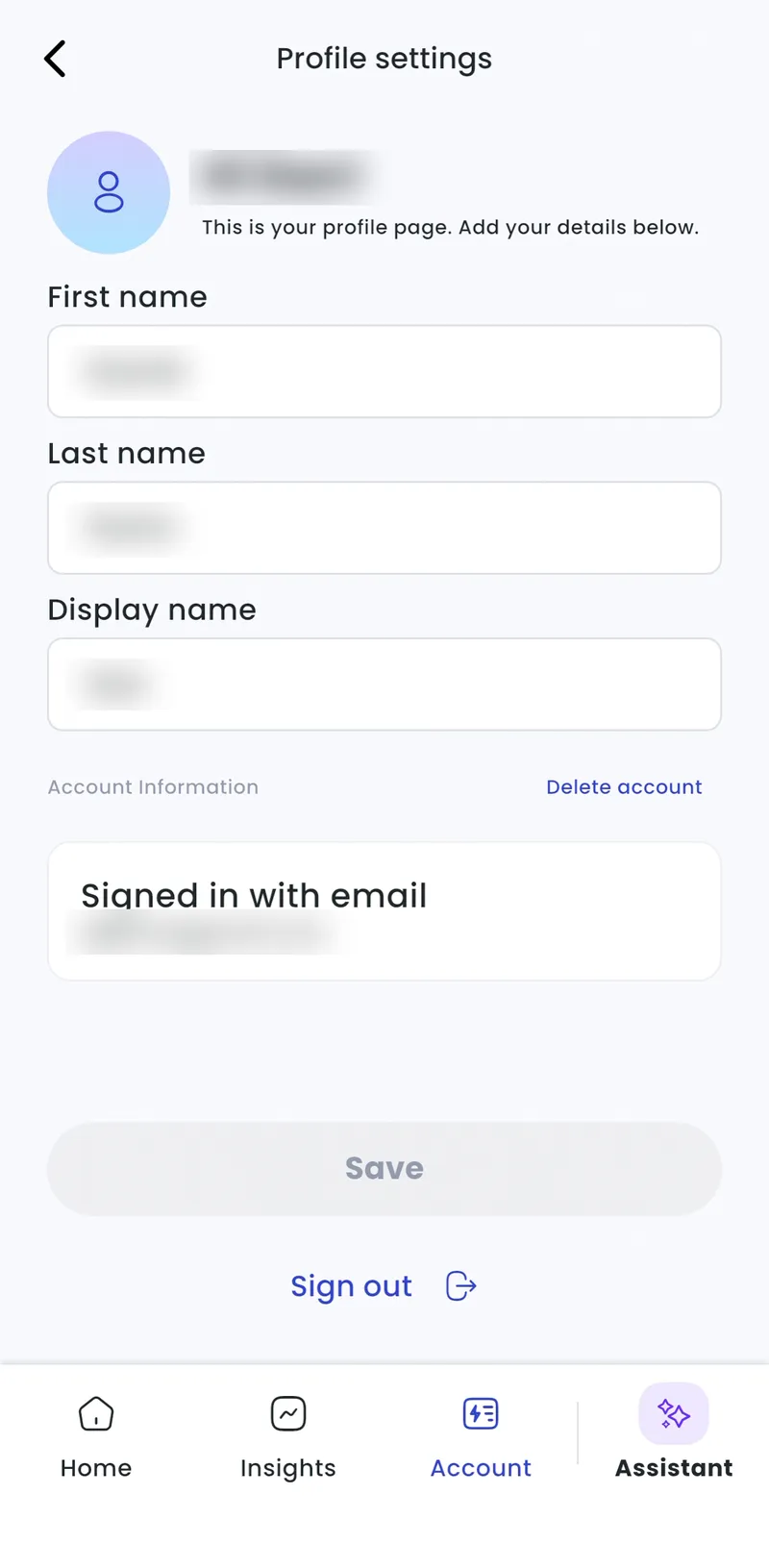
With Charge selected at the top, go to Account > About me.
-
Under Account information, tap Delete account.
-
Follow the steps to confirm.
This deletes your driver account. To delete a charger management account, see How do I delete my Tap Electric Charger Account?.