
V.GO onboarding guide
Last updated:
V.GO chargers are set up for Tap at the factory. Contact V.GO for help with this. Add the charger to your own Individual or Organisation Account. Installers: switch into your customer’s account first.
Connect the charger
Section titled “Connect the charger”Power up the charger and connect it to the internet, following V.GO’s instructions.
Add the charger in Tap
Section titled “Add the charger in Tap”-
With Manage selected at the top, open your location on the Home tab, tap Chargers, then Connect new chargers. For a new location, tap + below your locations on the Home tab.
-
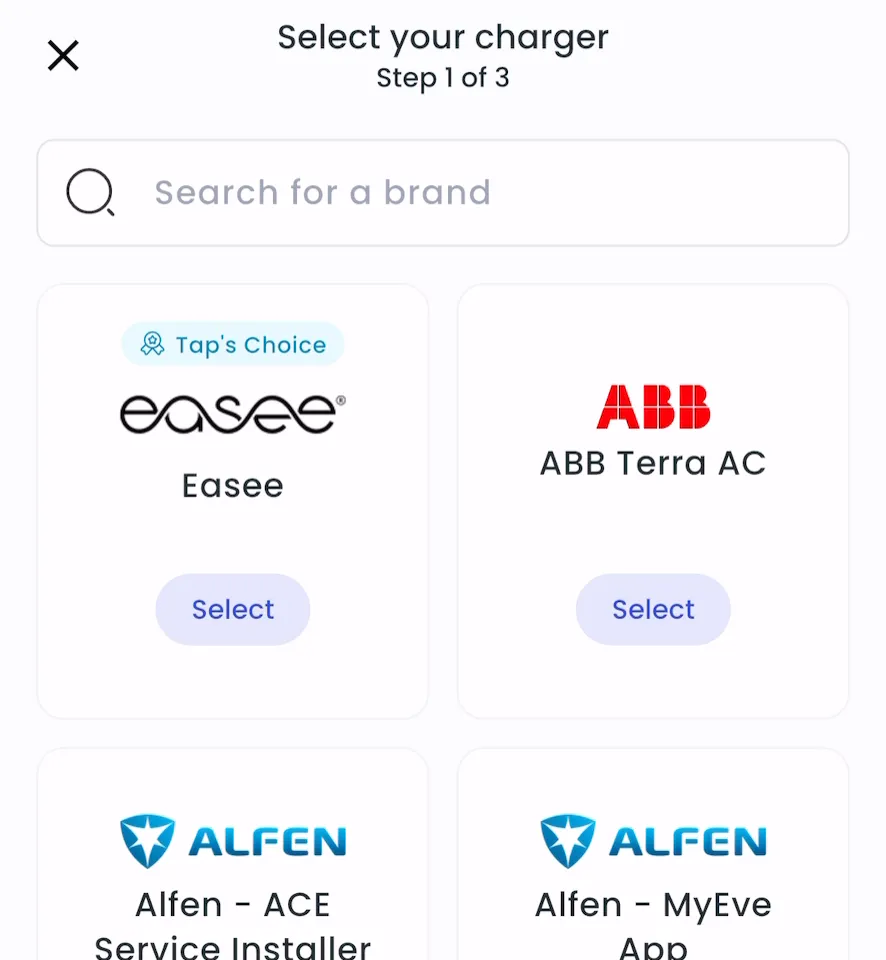
Search for V.GO and tap Select.
-
Enter the charger ID and tap Add.
-
Locations > Connect new chargers, or click Connect new chargers on a location page.
-
Under Choose your charger brand, search for V.GO and click it.
-
Under Charger ID, enter the charger ID and click + Add.
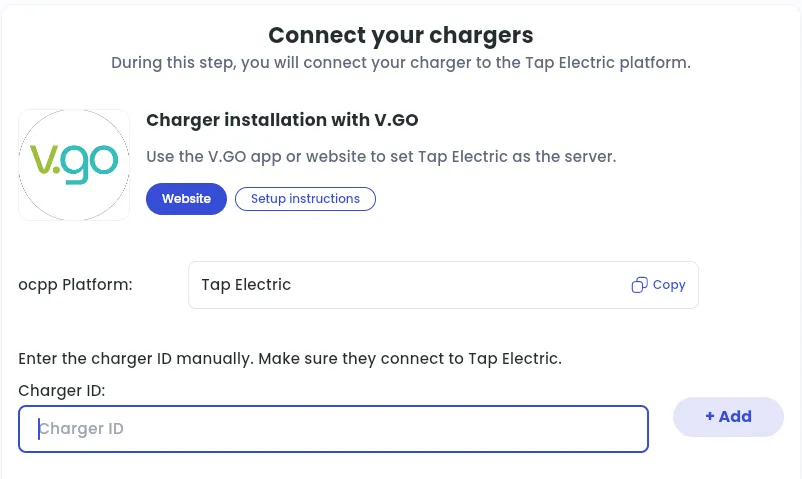
After a minute, the charger shows up and you can set its location.
Set the location
Section titled “Set the location”- Under Where is the charger?, choose New location and enter the address, or pick an Existing location.
- On You’re all set, choose what to do next, or tap Go to my location.
- Click Continue, then complete the Set location and Location settings steps.