
How does Tap invoice me as a driver?
Last updated:
Only available in the Tap app
Find your invoices
Section titled “Find your invoices”-
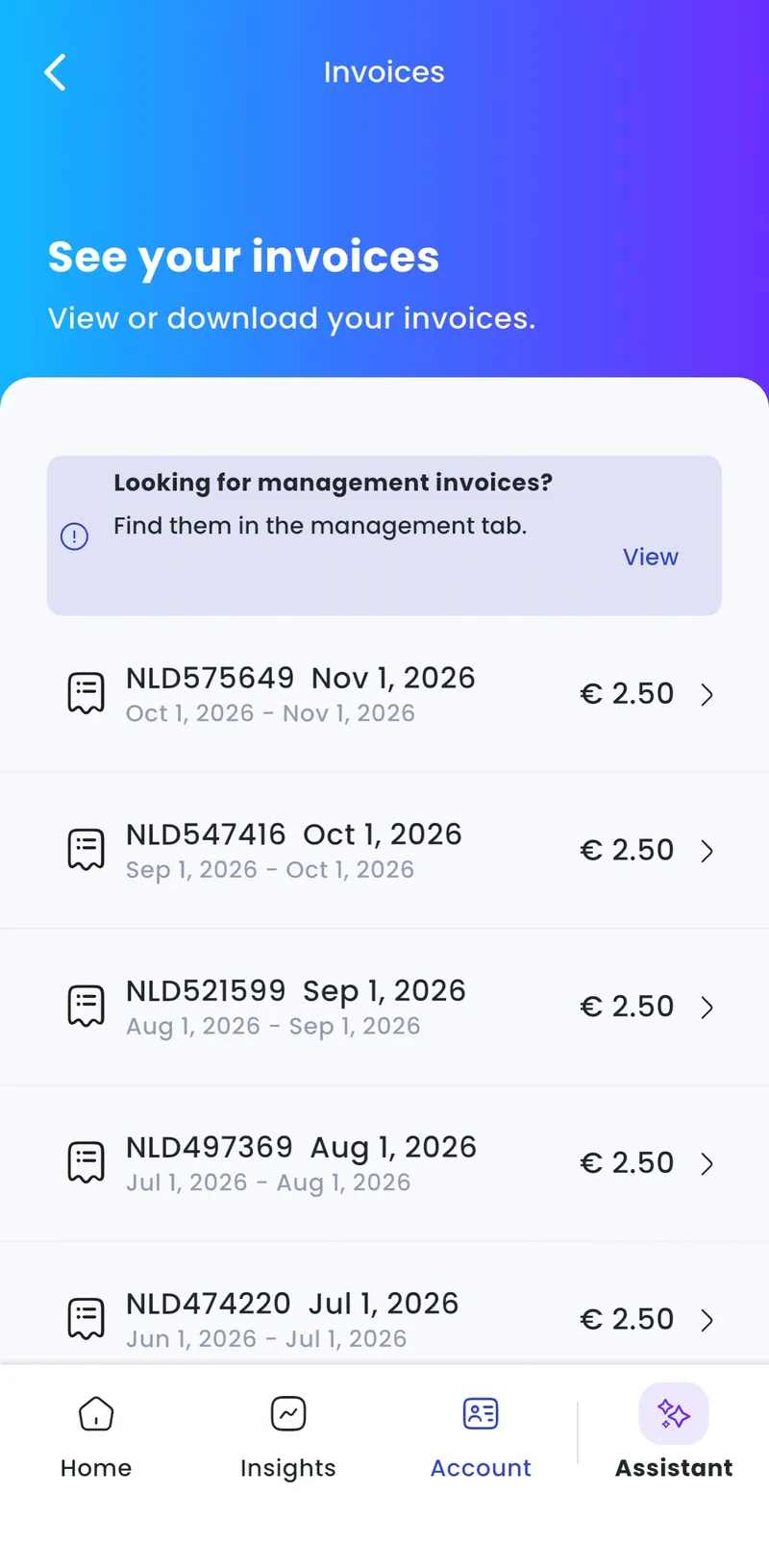
With Charge selected at the top, go to Account > Invoices.
-
Select the invoice.
-
Tap Download PDF.
Your full session history is in the Insights tab.
Looking for the invoices for your own chargers? Select Manage at the top, then go to Account > Invoices. See How does Tap invoice me as a charger owner?.
Why is an older session on my current invoice?
Section titled “Why is an older session on my current invoice?”A session sometimes appears on a later invoice because:
- the charger was offline and reported the session late; or
- the charger operator sent incomplete session data.
We take extra time to check these sessions before billing them. The invoice then marks the session as being from a different period. You’re only ever billed once for a session, in the period when we received and checked it.