How do I connect my car to the Tap app?
Last updated:
Only available in the Tap app
Connect your car to Tap to see your live battery level while you charge. If you charge on a dynamic energy tariff, Understanding how Tap’s Charge Control programs work for drivers can also use it to charge at the cheapest times.
Connecting your car is optional. Your car’s brand or model doesn’t affect whether you can charge with Tap — any electric car can charge at chargers you reach through Tap. Connecting only adds your live battery level and smarter charging.
Connect your car
Section titled “Connect your car”-
With Charge selected at the top, go to Account > My connected cars > Add new.
-
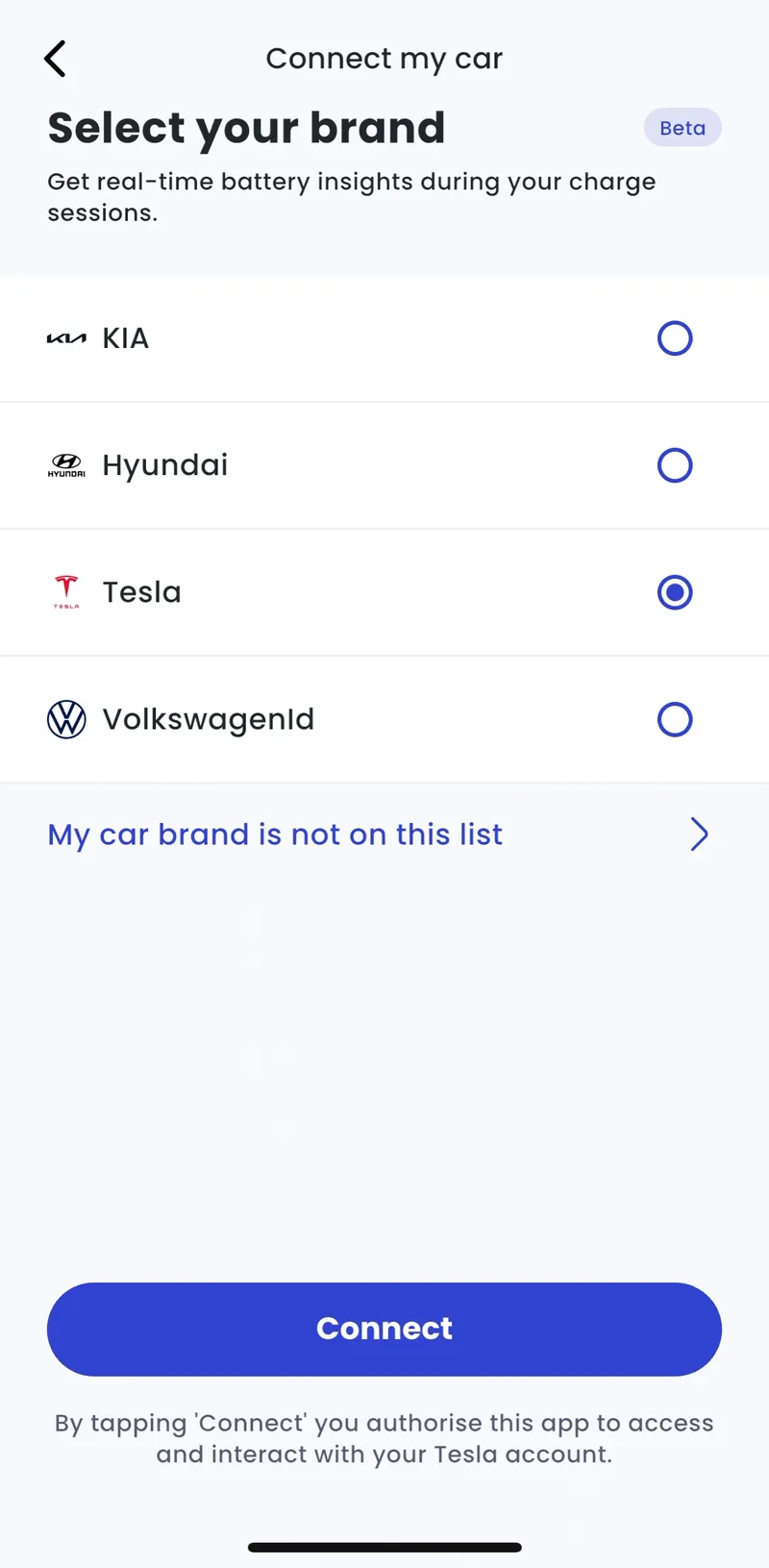
Select your car brand and tap Connect.
-
Sign in with the login from your car manufacturer’s app.
Your car now shows under My connected cars.
My car brand isn’t listed
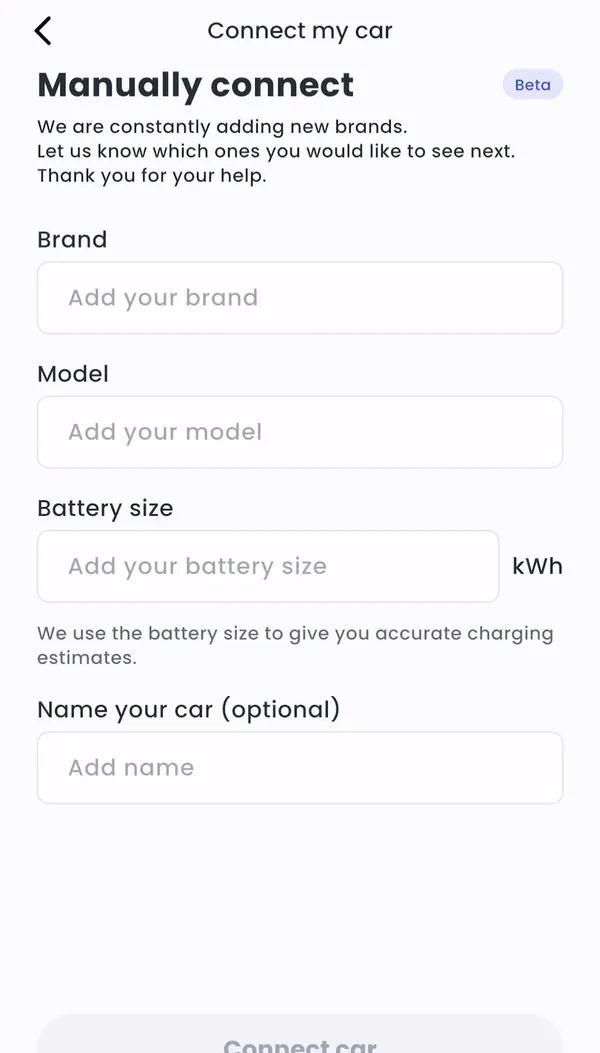
Section titled “My car brand isn’t listed”We’re adding new brands regularly. Tell us about your car so we know which brands to add next.
-
Account > My connected cars > Add new > My car brand is not on this list
-
Enter your car’s brand, model and battery size. A name is optional.
-
Tap Connect car.