
How do I create or delete a charger account?
Last updated:
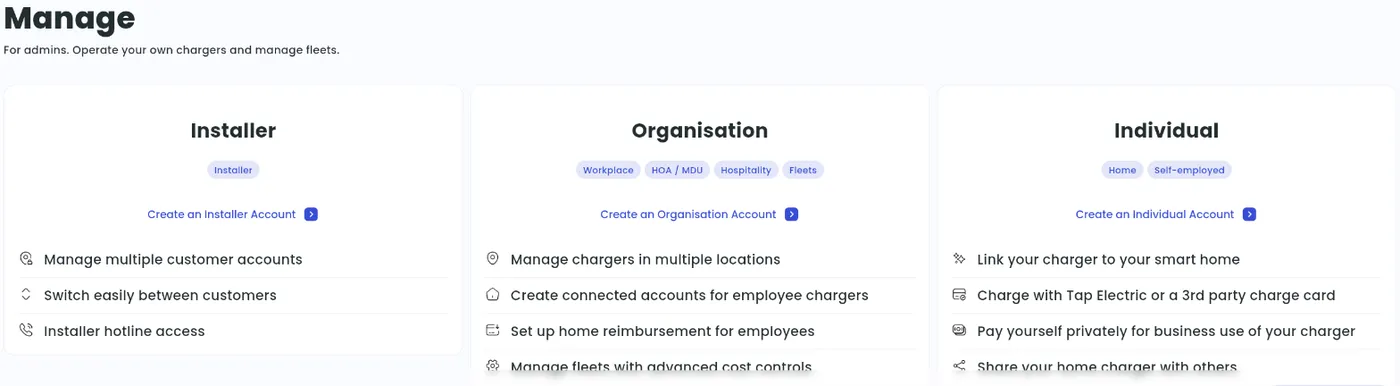
A charger account holds your chargers, locations and settings. There are three account types:
- Individual: a person managing their own charger, for example at home.
- Organisation: a business or other organisation managing chargers, for example a workplace, fleet, hotel or owners’ association.
- Installer: an installer who creates and manages customer accounts. Installer accounts don’t hold chargers or locations.
You need to be signed in to create an account. You can’t connect or manage chargers in guest mode.
Create a new account
Section titled “Create a new account”Each account type has its own setup guide. Start from the Charger Management Quick Start and pick the guide that matches you.
- With Manage selected at the top, go to Account, tap the account switcher under Managing and tap +.
- Follow the steps for an Individual or Organisation account.
Installer accounts can’t be created in the app. Use Tap Web.
-
Click your account name at the bottom of the sidebar.
-
Click Create new account.

-
Choose Installer, Organisation or Individual.
Switch between accounts
Section titled “Switch between accounts”If you manage more than one account, first select the account you want to work in.
- With Manage selected at the top, go to Account and tap the account switcher under Managing.
- Select the account under My accounts.
- Click your account name at the bottom of the sidebar.
- Select the account under My accounts. Accounts linked to the current one are listed next to it.
Change your account details
Section titled “Change your account details”You can’t change an account’s type. To switch type, create a new account of the type you need and delete the old one.
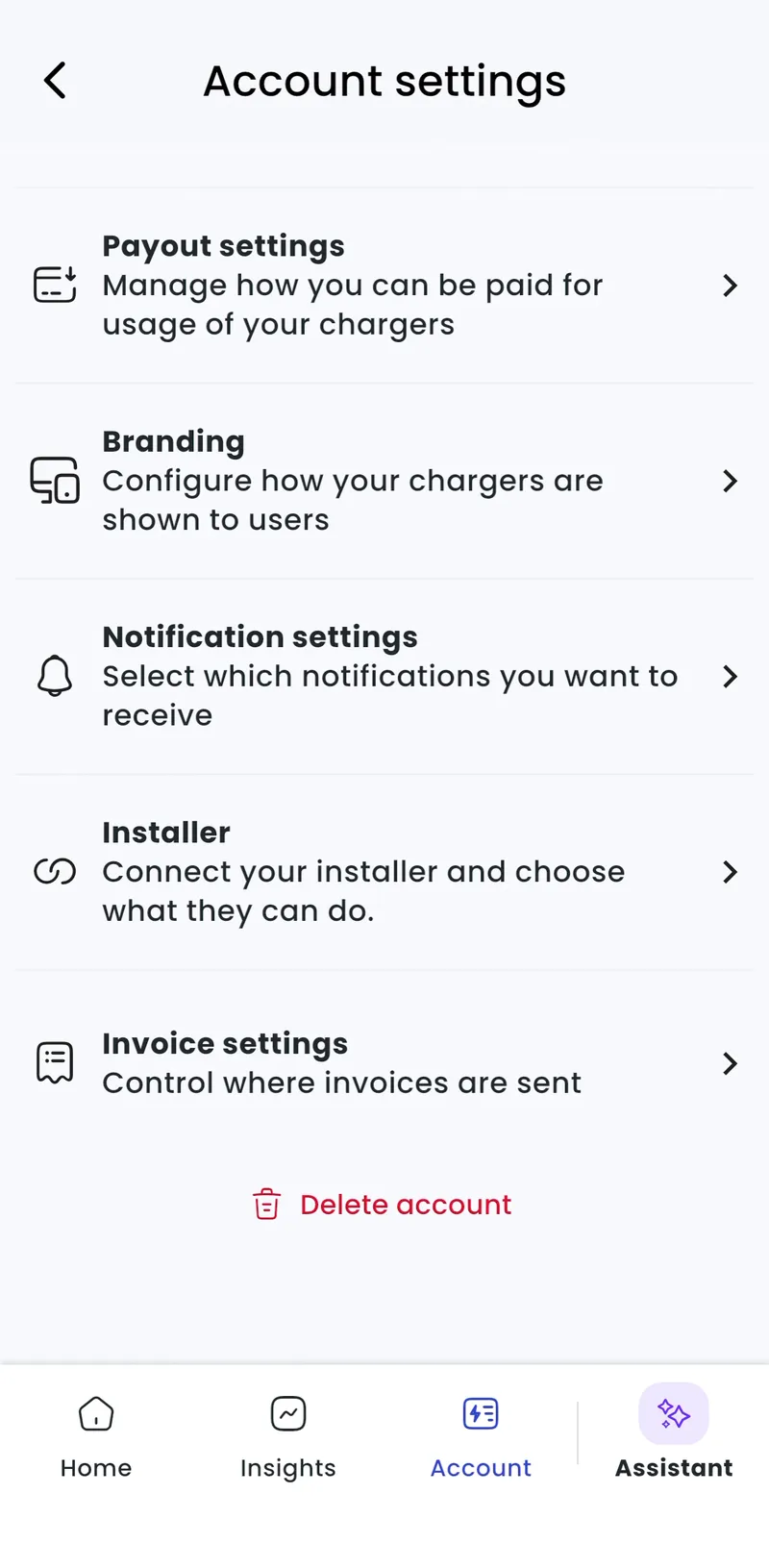
Everything else is in your account settings:
-
With Manage selected at the top, go to Account > Settings.
-
Admin > Account > Settings
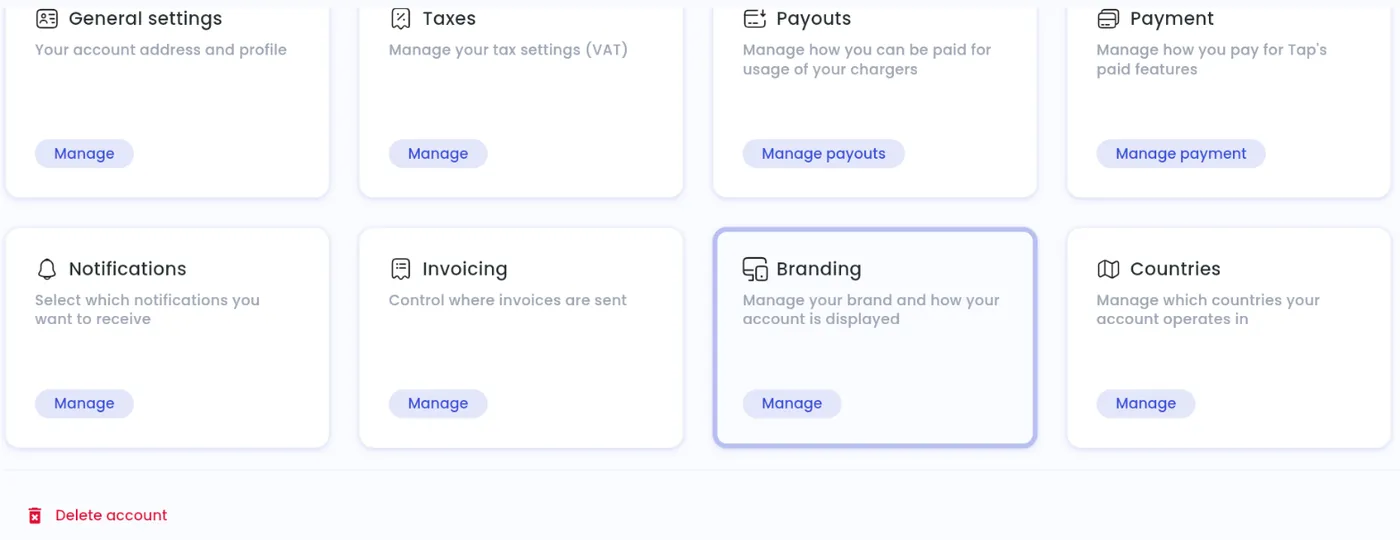
- Address: How do I update my billing address?
- Countries and tax: What are country settings and why do I need to set one? and What are Tax Settings and how do they affect my invoices?
- Payouts: What are Payout Settings and why do I need them?
- Branding: What are display settings and how does it help drivers?
- Alerts: How do I update notification settings for my charger account?
- Who can manage the account: How do I add administrators to my account?
Delete your account
Section titled “Delete your account”Delete your locations first, then select Delete account at the bottom of your account settings. See How do I delete my Tap Electric Charger Account?.